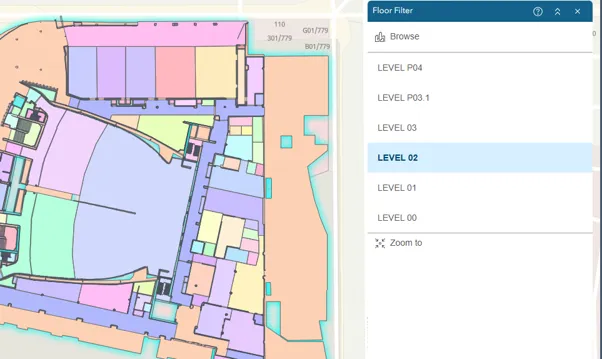

Floor Filter Widget
The widget allows you to visualise and interact with floor plan data by navigating to a site, a facility in a site and a level in a facility. You can also filter data based on a selected floor plan.
When this widget is enabled in a floor aware map, you can use the following tools for filtering:
Browse: Use the browse panel to zoom to and view sites, facilities within sites, and floors within facilities. The browse panel includes a search function, sites list, and facilities list.
Floor list: View a list of all the floors in the selected facility. If a facility has multiple floors, you can choose a floor from the list to view it on the map.
Zoom to: Zoom to the selected facility.
Expand or Collapse: Expand or collapse the widget’s toolbar.